Shareblock storage, how to deal with block device wwn after restarting the physical machine
-
-
The storage block device is mapped twice, the physical machine is not restarted, and the WWN of the block device is still the first WWN
-
Use the CLI command to query the main storage information
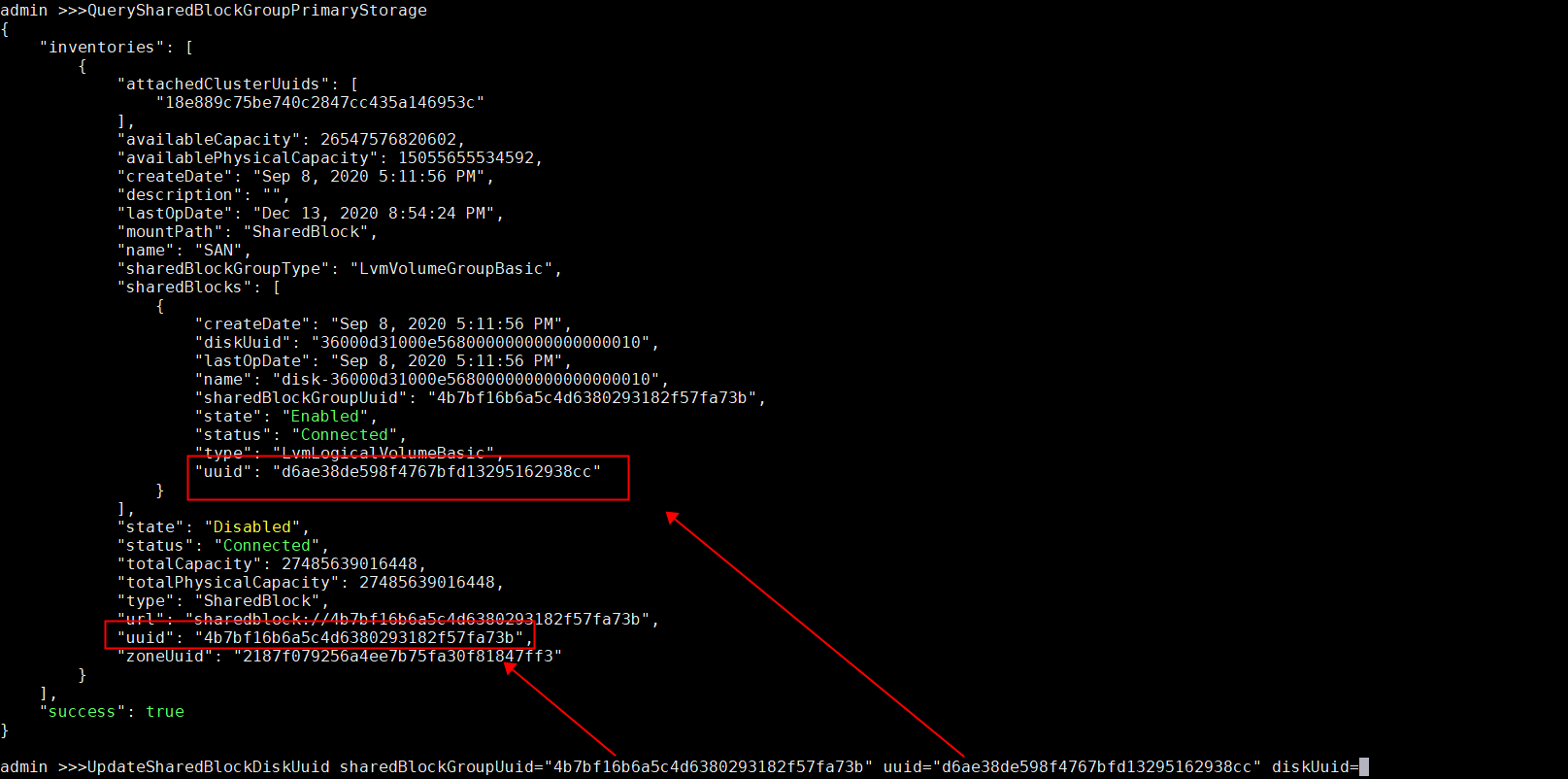
QuerySharedBlockGroupPrimaryStorage to view the shareblock device information
- Use the cli command to update the UUID number of the block device in the database, and change which UUID has changed
UpdateSharedBlockDiskUuid sharedBlockGroupUuid="Storage uuid" uuid="uuid of the database block device" diskUuid="New uuid of the block device"- After the change, the physical machine is successfully reconnected
-
-
 undefined nexus marked this topic as a regular topic on